
🔑 How to Get Your AI API Keys
To power Affiliated Writer’s “brain”, you need to connect at least one AI provider. Choose any of the options below based on your budget and preference.
1. DeepSeek
DeepSeek gives you GPT-level, high-quality writing at a much lower cost.
Step 1 & 2: Go to DeepSeek Platform and log in.
Step 3: From the left sidebar, click on “Top up” or “Balance”. Add at least $2–$5 to activate your account.
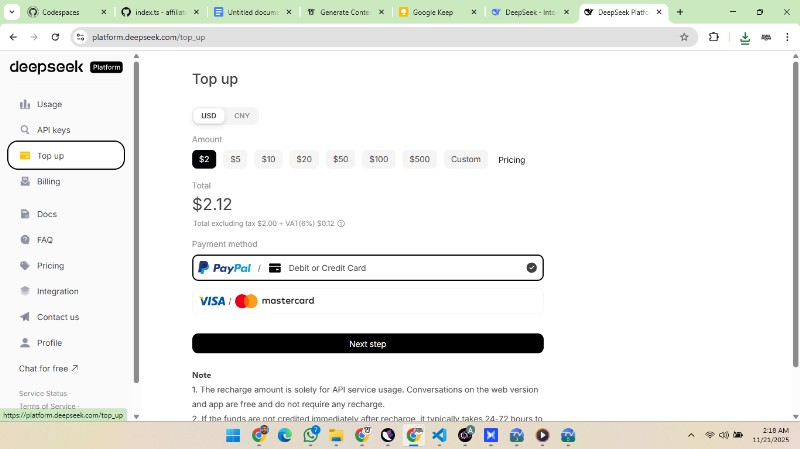
Step 4 & 5: From the left menu, click “API Keys”, then press “Create API Key”.
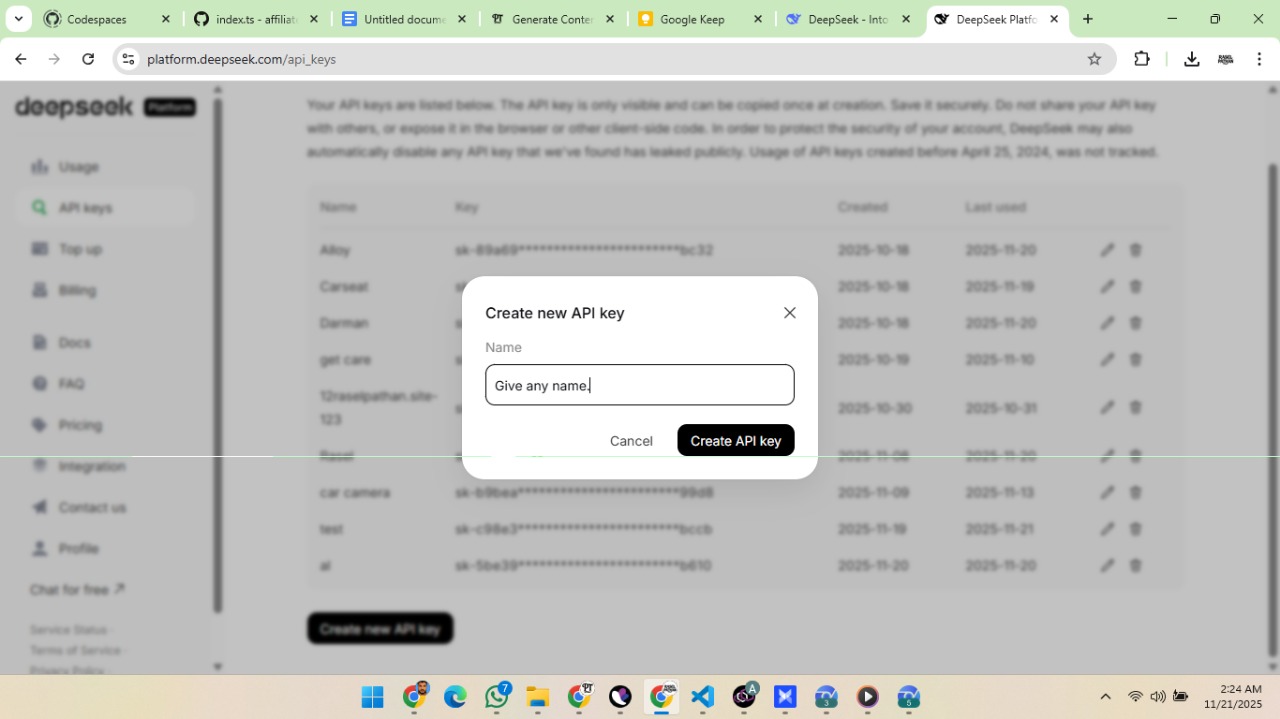
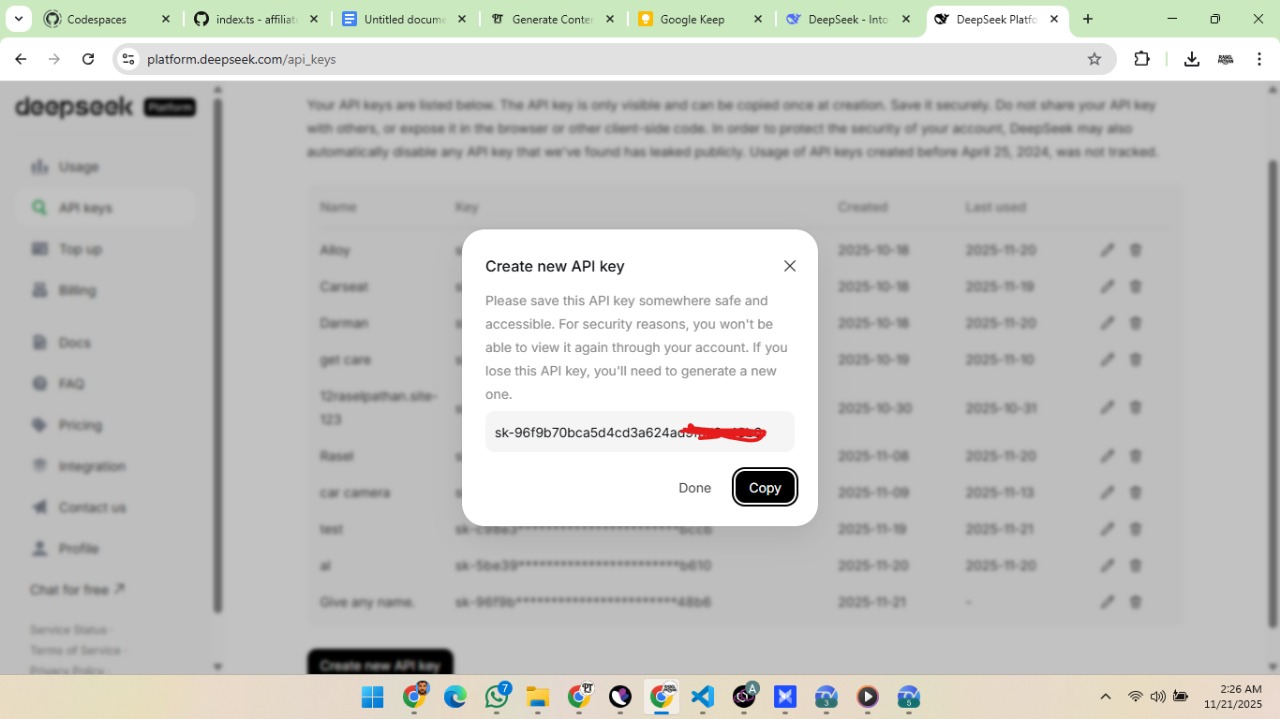
Step 6: Copy the generated key (starts with sk-) and save it somewhere safe.
2. OpenAI (ChatGPT / GPT-4o)
The industry standard choice when you want top-tier, reliable content quality.
Step 1–3: Go to OpenAI Platform, log in, and from the ⚙️ Settings icon go to “Billing”.
Step 4: Click “Add to credit balance”. To get started, load at least $5 into your account.
Step 5: Enter your card details and complete the payment.
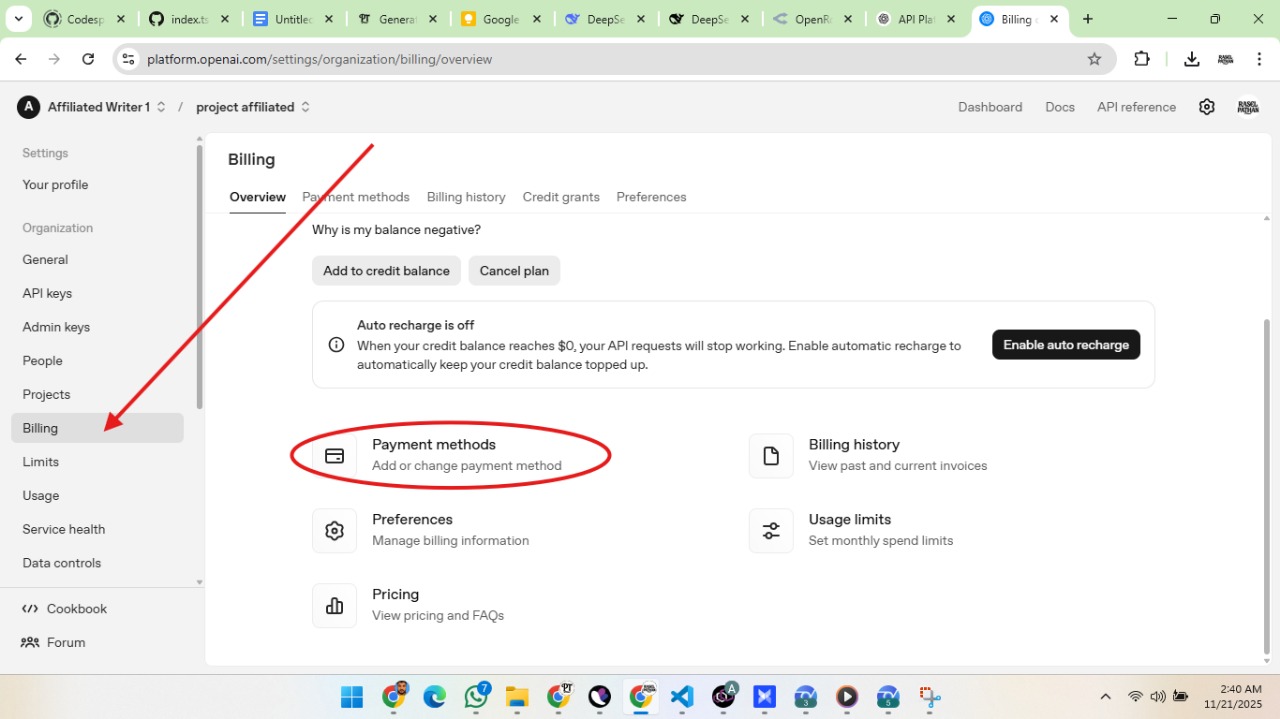
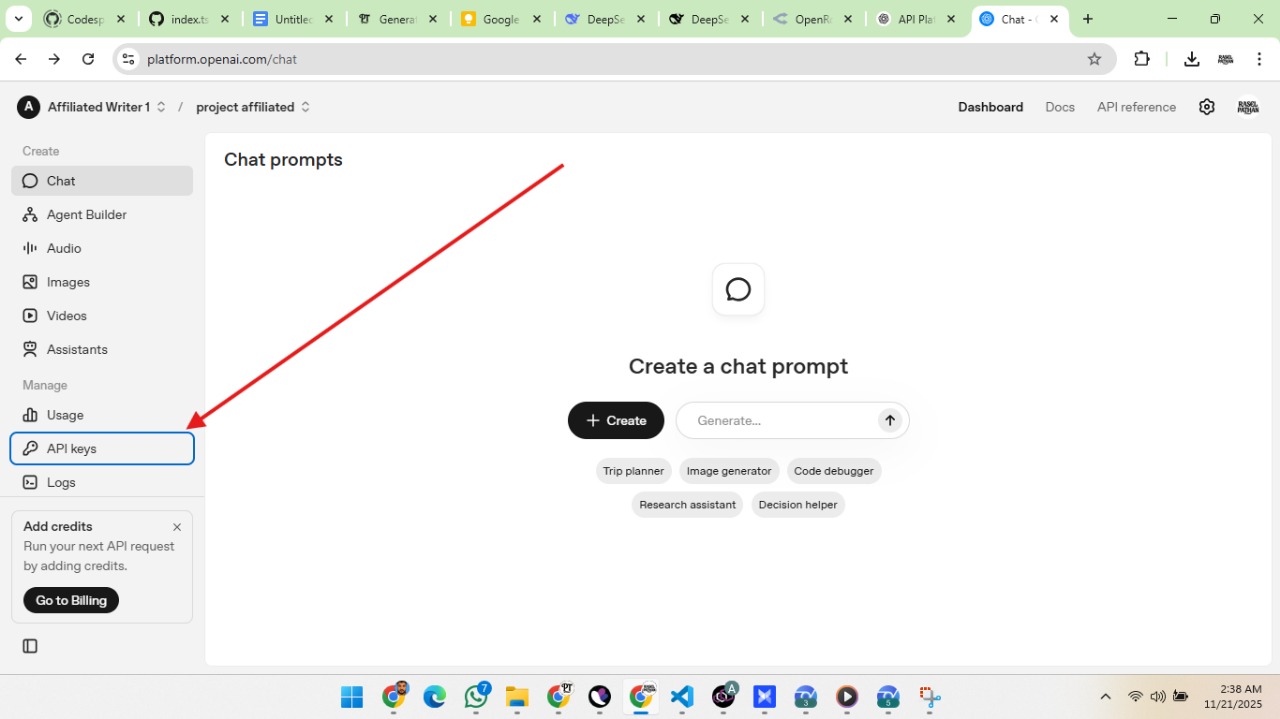
Step 6: From the left menu, go to “API keys” and click “+ Create new secret key” to generate a new key.
3. OpenRouter (All in One)
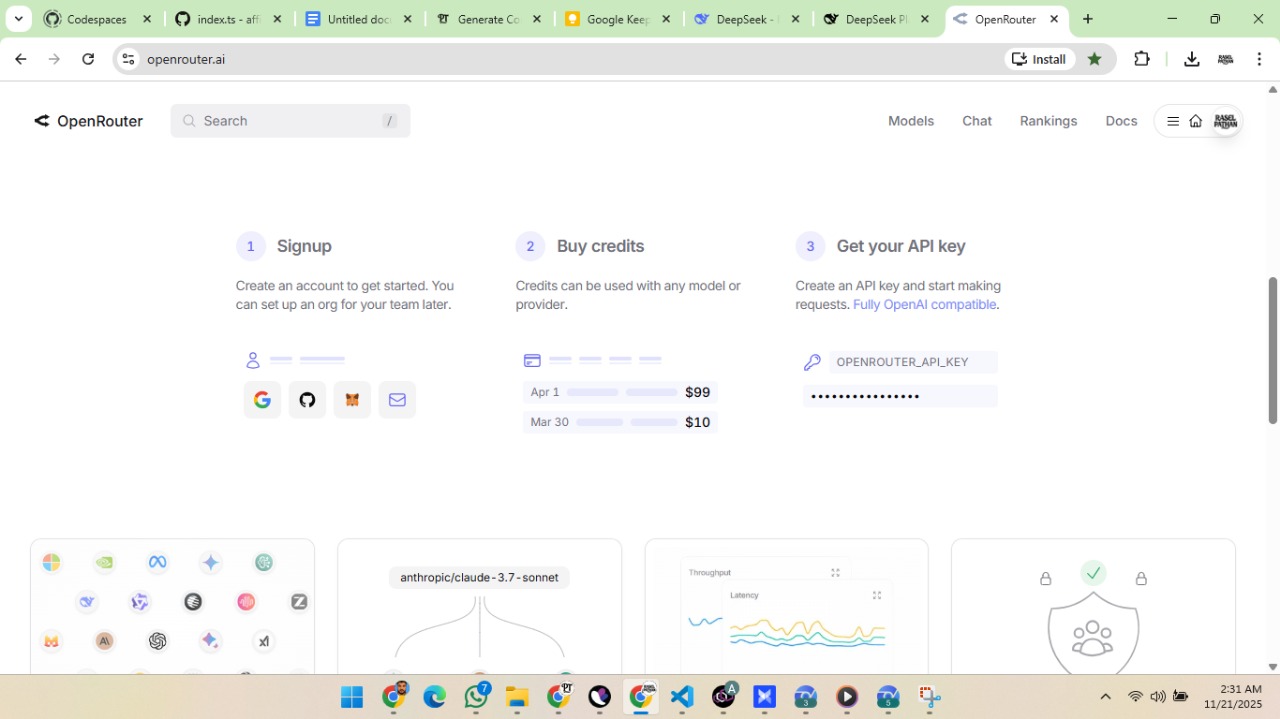
The easiest way: a single key gives you access to many models (DeepSeek, OpenAI, Claude, and more) through one gateway.
Step 1–4: Go to OpenRouter.ai, log in, open your profile, then go to “Credits” and click “Add Credits” (minimum $5).
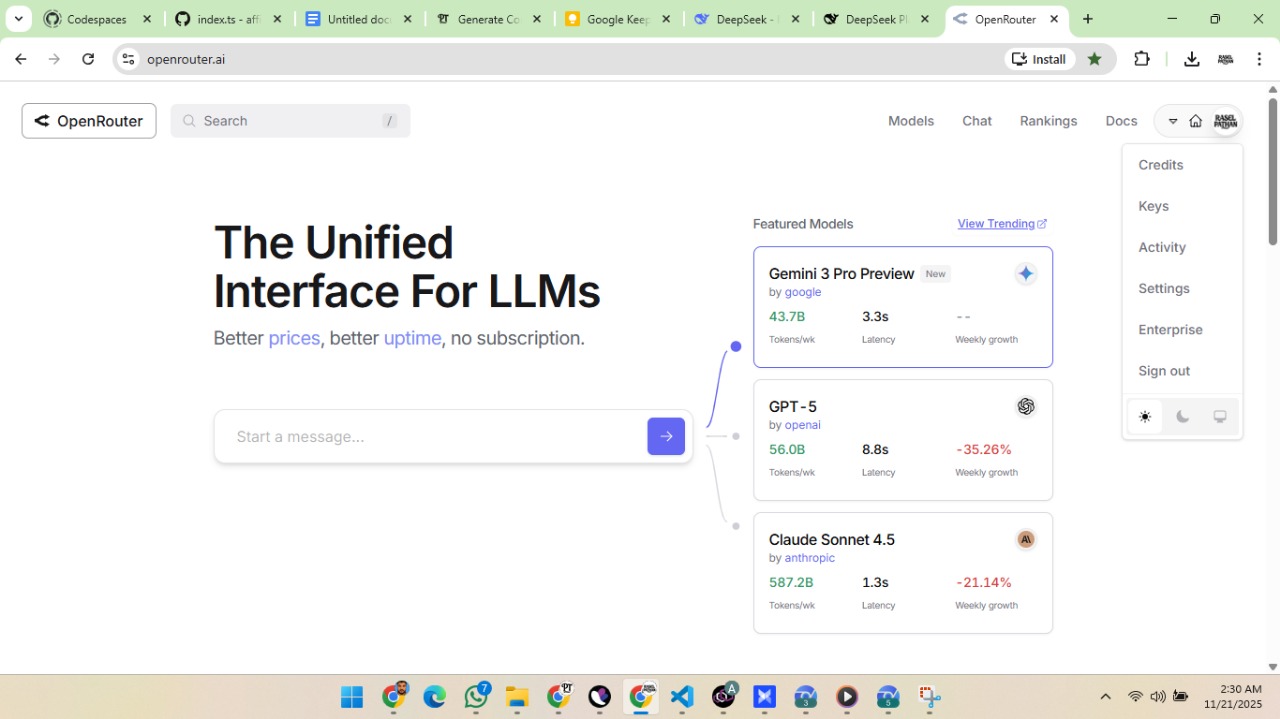
Step 5–6: From the menu, go to “Keys” and click “Create Key”. You can leave the “Credit Limit” field empty.
4. Google Gemini
Google’s own fast, powerful AI model — great for speed and productivity.
Step 1–3: Go to Google AI Studio and click the “Get API Key” button.
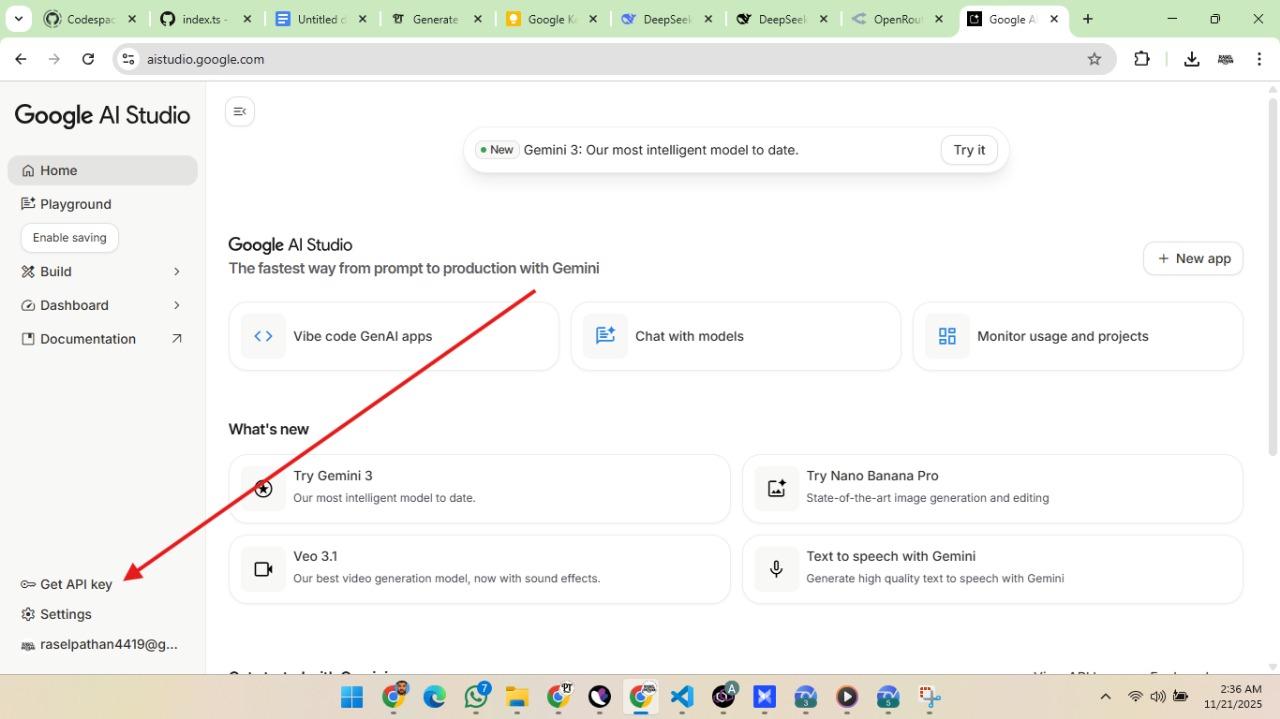
Step 4: Choose “Create API key in new project” and copy your new key.
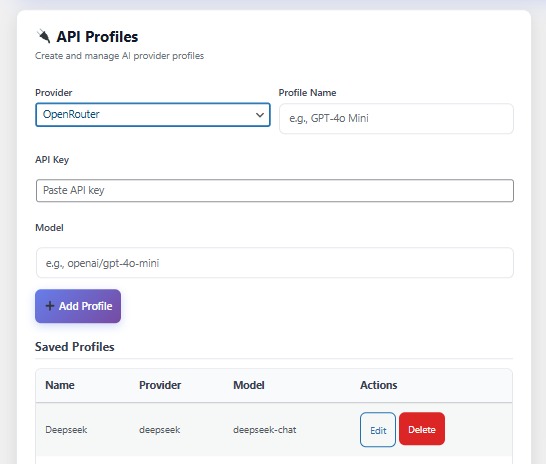
💡 Where should you paste the API key?
- Go to your WordPress dashboard.
- Click Affiliated Writer > Settings.
- Scroll down to the “API Profiles” section.
- Select your provider, paste the key, and click “Add Profile”.
✅ You are now ready to generate content! 🚀